A proposal in minutes, not an hour
Templates, catalog products and proven proposals to copy. You do not build everything from scratch, and when a customer asks for a PDF or XLSX, you can export it straight away.
Interactive online proposals
Prepare your proposal without starting from scratch. Customers respond right from the proposal, and you can see when to pick up the conversation.
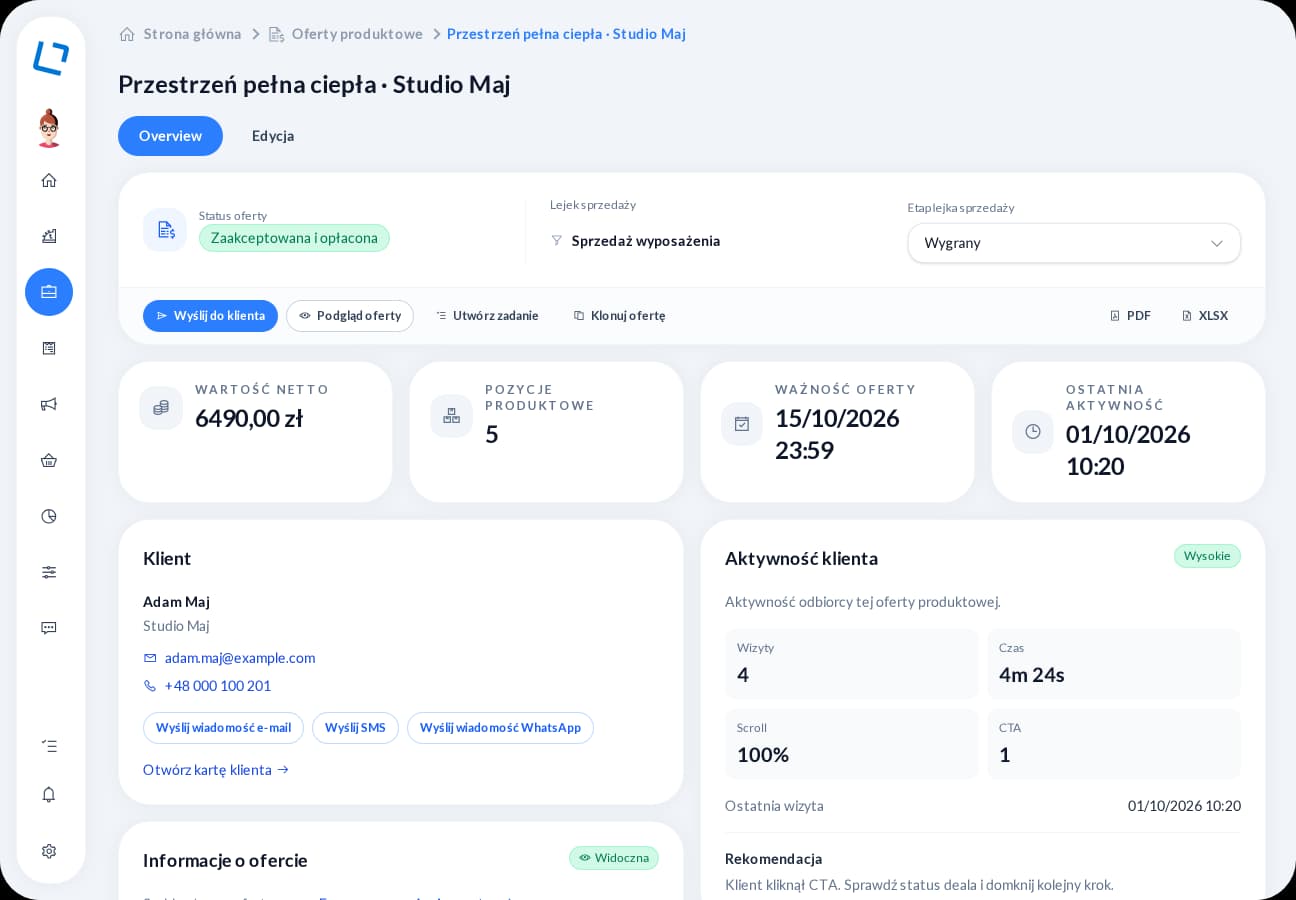
Less time preparing, a shorter path to a response and a clear reason for your next call. From the first link to the customer’s decision, keep the proposal and its history within reach.
Templates, catalog products and proven proposals to copy. You do not build everything from scratch, and when a customer asks for a PDF or XLSX, you can export it straight away.
Acceptance, negotiation, a contact request or a meeting booking right from the proposal. Shorten the path from “sent” to “we have a decision”.
See when the proposal was opened and what the customer did in it. Everything is linked to the customer and sales opportunity, so you can follow up without guessing or searching inboxes.
Choose the customer, products, content and available actions.
Publish and send it through your configured email, SMS or WhatsApp connection.
Review activity and the customer's response before following up.
Interactive online proposals
Tell us where your customers come from, how you prepare proposals and what happens after you send them. We will demonstrate relevant features in one scenario, from inquiry to the account owner's next action. Together, we will establish the modules, integrations and configuration you need.