Create your email without building it from scratch
Use templates and arrange content in the drag and drop editor. Personalize the message for its recipient, and when enabled, AI can prepare an editable layout from your brief.
Email marketing
Build a message from ready-made blocks, tailor it to your recipients and schedule the send. Results show what caught their attention.
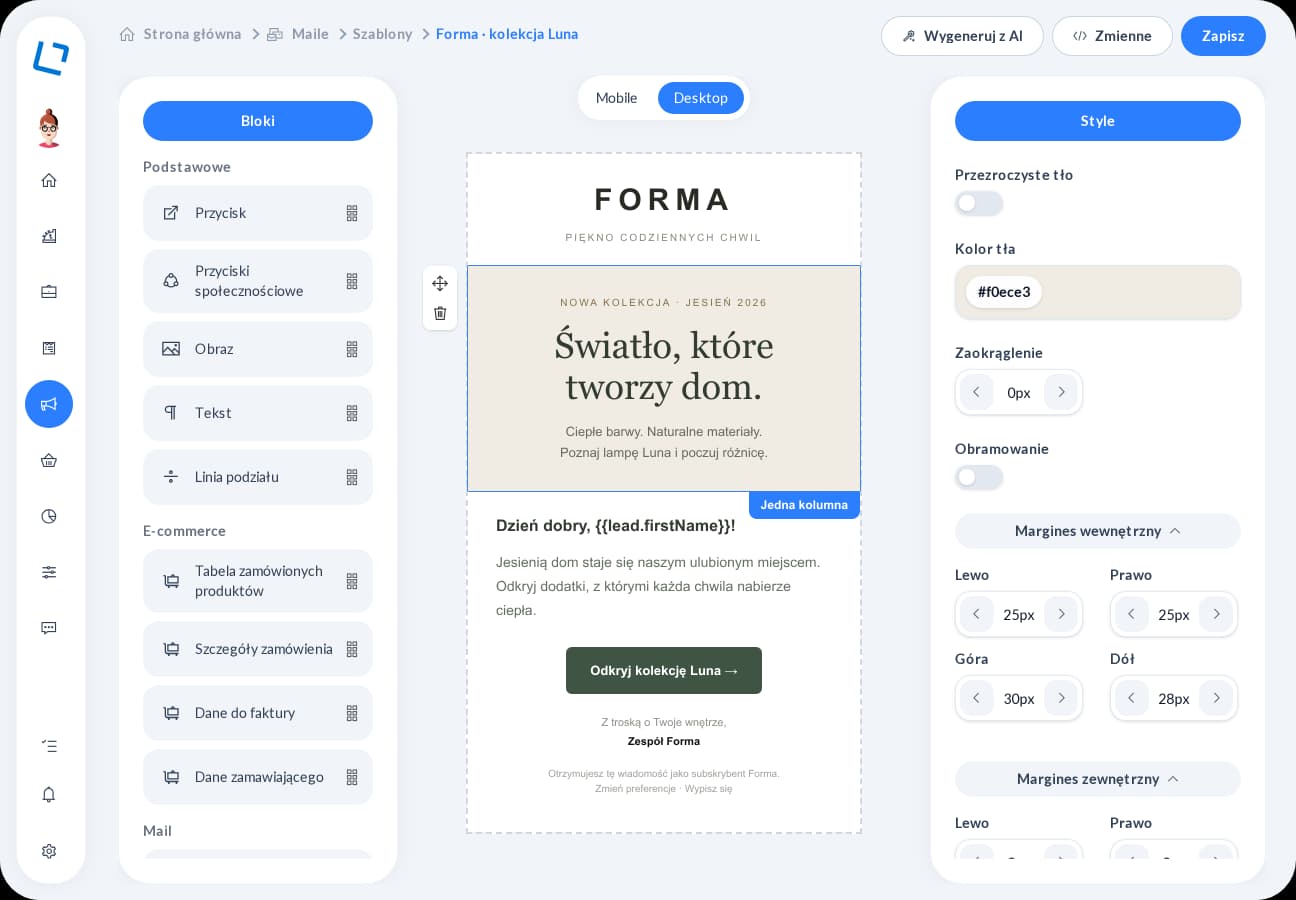
Your next campaign does not have to start with a blank page. Templates, personalization and the editor help you prepare content, while statistics give you a starting point for the next contact.
Use templates and arrange content in the drag and drop editor. Personalize the message for its recipient, and when enabled, AI can prepare an editable layout from your brief.
Choose the recipients, sender account and sending time. Schedule a prepared campaign in advance instead of returning for a manual send at the last moment.
Deliveries, opens and clicks show what happened after sending. Review interest in individual links and use it when preparing your next campaign.
Choose a template or build a message from blocks and tailor it to your audience.
Choose recipients and timing, and review a test message before sending.
Review campaign statistics and clicks on individual links.
Email marketing
Tell us where your customers come from, how you prepare proposals and what happens after you send them. We will demonstrate relevant features in one scenario, from inquiry to the account owner's next action. Together, we will establish the modules, integrations and configuration you need.